
NOL Card Balance Transfer 2026: A Step-By-Step Guide
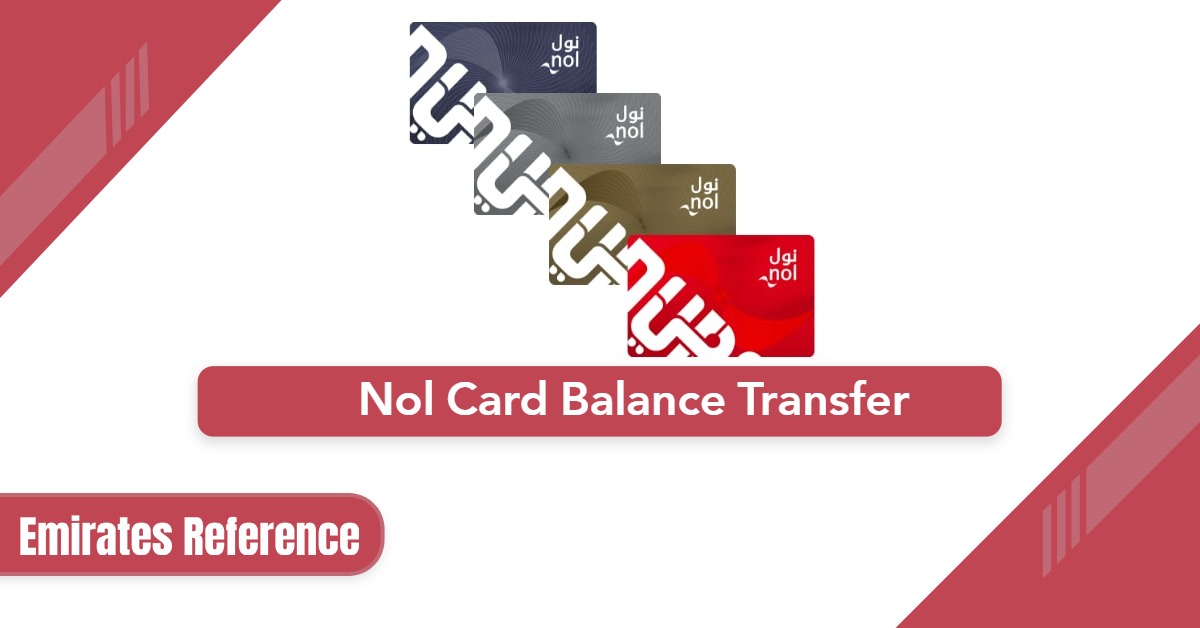
تُعدّ بطاقة نول أداةً أساسيةً لمستخدمي المواصلات في دبي، إذ تُتيح لهم طريقةً مريحةً وغير نقدية للدفع مقابل المواصلات العامة ومواقف السيارات والعديد من الخدمات الأخرى. ومع تزايد الاعتماد على هذه البطاقة الذكية، قد تحتاج أحيانًا إلى تحويل رصيد بطاقة نول الخاصة بك. سواءً كنتَ تُحدّث بطاقتك إلى بطاقة جديدة أو تحتاج ببساطة إلى تحويل الأموال من حساب إلى آخر، فإنّ معرفة كيفية تحويل رصيد بطاقة نول بكفاءة أمرٌ بالغ الأهمية.
Table Of Content
- 1. لماذا قد تحتاج إلى تحويل رصيد بطاقة NOL الخاصة بك؟
- 2. تحويل رصيد بطاقة نول عبر موقع هيئة الطرق والمواصلات
- 3. NOL Card Balance Transfer through RTA App
- 4. NOL Card Balance Transfer through RTA Customer Service Center
- 5. تحويل رصيد بطاقة NOL عبر أجهزة الصراف الآلي وأجهزة الصراف الآلي التلفزيونية
- 6. الاعتبارات الرئيسية والرسوم
- 7. خاتمة
- 8. Questions & Answers
- 9. References
لماذا قد تحتاج إلى تحويل رصيد بطاقة NOL الخاصة بك؟
هناك عدة أسباب قد تدفعك إلى تحويل الرصيد الموجود على بطاقة NOL الخاصة بك:
- الترقية إلى بطاقة جديدة : إذا كانت بطاقتك الحالية تالفة أو قمت بالترقية إلى نوع مختلف (على سبيل المثال، من البطاقة الحمراء إلى البطاقة الذهبية)، فقد ترغب في تحويل رصيدك الحالي إلى البطاقة الجديدة.
- تبديل الحسابات : إذا كان لديك عدة بطاقات NOL وتفضل دمج أرصدتك في بطاقة واحدة، فستحتاج إلى تحويل الرصيد.
- البطاقات المفقودة أو المسروقة : إذا فقدت بطاقتك أو سُرقت منك، فإن تحويل رصيدك إلى بطاقة جديدة يضمن عدم فقدان أي أموال.
- إدارة الحساب : قد يرغب بعض المستخدمين في موازنة أموالهم بين حسابات مختلفة مرتبطة ببطاقات NOL المختلفة.
تحويل رصيد بطاقة نول عبر موقع هيئة الطرق والمواصلات
أسهل طريقة لتحويل رصيد بطاقة نول الخاصة بك هي عبر الموقع الإلكتروني الرسمي لهيئة الطرق والمواصلات. إليك كيفية القيام بذلك:[المصدر 1]
- قم بزيارة موقع هيئة الطرق والمواصلات الإلكتروني ” من هنا “.
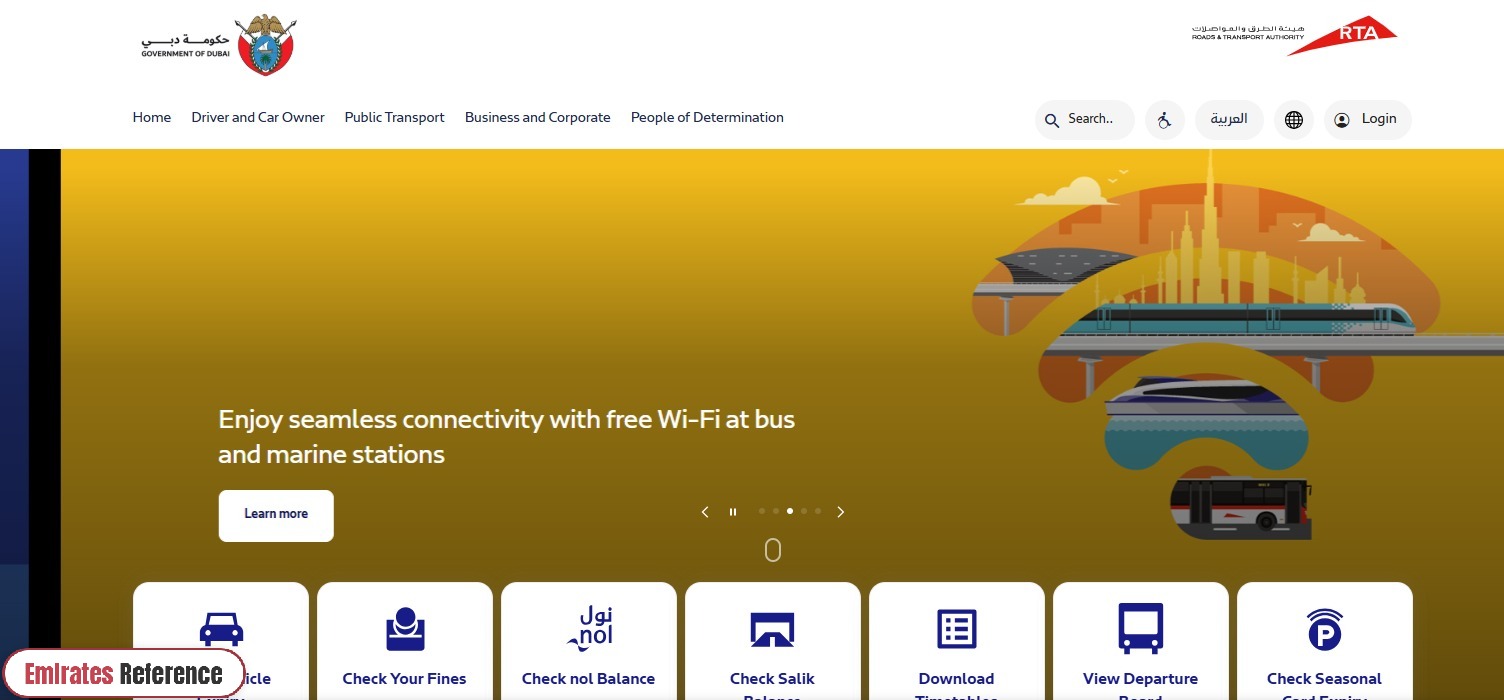
- سجّل الدخول باستخدام بيانات حسابك لدى هيئة الطرق والمواصلات. إذا لم يكن لديك حساب، فستحتاج إلى إنشاء حساب.
- من القائمة الرئيسية، انتقل إلى قسم خدمات NOL.
- اختر خيار تحويل الرصيد.
- حدد بطاقة NOL التي تريد تحويل الرصيد منها (البطاقة المصدر).
- اختر بطاقة NOL التي ترغب في تحويل الرصيد إليها (بطاقة الوجهة).
- راجع تفاصيل التحويل، بما في ذلك الرصيد المراد تحويله.
- Ensure all information is correct before proceeding.
- Click on the “Confirm” Button to complete the transfer.
- You will receive a confirmation message once the balance transfer is successful.
- Important Notes:
- Online transfers may require you to link your NOL card to your RTA account, which you can easily do by entering your card number.
- Ensure that both your source and destination cards are valid and active.
NOL Card Balance Transfer through RTA App
The most convenient way to transfer your NOL card balance is through the RTA Dubai app. Here’s how you can do it: [2] [3]
- Download RTA Dubai App on your smartphone from:
- Google Play Store “From Here“.
-
- App Store “From Here“.
- After installation, open the app and proceed with the following steps.
- Once the app is open, you will need to log in to your RTA account:
- Tap on the “Login” option on the home screen.
- Enter your username and password to access your account.
- If you don’t have an account, the app will prompt you to create one by entering your personal details and contact information.
- After successfully logging in:
- From the home screen, go to the “Services” tab or look for the NOL Services section.
- Tap on “NOL Card Services” to access options related to your NOL card, including balance transfers.
- In the NOL Card Services section:
- Tap on the “Transfer Balance” Option. This will allow you to start the process of transferring funds between your NOL cards.
- You’ll be prompted to select the source card from which you want to transfer the balance.
- Then, select the destination card where the balance will be transferred.
- If you have multiple NOL cards linked to your RTA account, all eligible cards will appear as options.
- The app will show you a summary of the transfer details, including the amount to be transferred.
- Double-check that all the information is correct, including the source and destination cards, and the balance amount.
- If everything looks good, tap “Confirm” to initiate the transfer.
- After confirmation, the app will process the transfer.
- Once the transfer is complete, you will receive a confirmation message on your app screen.
- You may also get a notification or receipt confirming the successful transfer.
- After completing the transfer, you can easily check the updated balance of your destination card from the app’s home screen.
NOL Card Balance Transfer through RTA Customer Service Center
If you prefer to handle the transfer in person or if you’re experiencing issues with online services, you can visit an RTA customer service center to complete the transfer:
- قم بزيارة أي مركز خدمة عملاء تابع لهيئة الطرق والمواصلات موجود في محطات المترو أو محطات الحافلات أو مكاتب هيئة الطرق والمواصلات الأخرى في دبي.
- أحضر بطاقة NOL الخاصة بك (بطاقة المصدر وبطاقة الوجهة، إذا كنت تقوم بالتحويل بين بطاقتين) بالإضافة إلى إثبات الهوية، مثل بطاقة الهوية الإماراتية أو جواز السفر.
- أبلغ ممثل خدمة عملاء هيئة الطرق والمواصلات أنك ترغب في تحويل الرصيد من بطاقة نول إلى أخرى.
- سيقوم الموظف المختص ببدء عملية التحويل نيابةً عنك، وسيؤكد لك إتمامها. وستتلقى إيصالاً كإثبات للمعاملة.
- ملاحظات هامة:
- قد تفرض بعض المراكز رسومًا رمزية على تحويلات الرصيد.
- قد تضطر إلى الانتظار في الطابور خلال ساعات الذروة، لذا يُنصح بالزيارة في وقت مبكر من اليوم.
تحويل رصيد بطاقة NOL عبر أجهزة الصراف الآلي وأجهزة الصراف الآلي التلفزيونية
بالإضافة إلى الطرق الإلكترونية ومراكز خدمة العملاء، يمكنك أيضًا تحويل رصيدك في نظام NOL عبر أجهزة الصراف الآلي وآلات بيع التذاكر في محطات المترو:
- ابحث عن الأجهزة التي تدعم معاملات بطاقات NOL.
- أدخل بطاقة NOL الخاصة بك في الجهاز وحدد خيار تحويل الأرصدة.
- اتبع التعليمات التي تظهر على الشاشة لاختيار بطاقات المصدر والوجهة وإكمال عملية التحويل.
- ستتلقى إيصالاً يؤكد نجاح عملية التحويل.
الاعتبارات الرئيسية والرسوم
- رسوم التحويل : على الرغم من أن طريقة التحويل عبر الإنترنت مجانية بشكل عام، إلا أن تحويل الأرصدة من خلال مراكز خدمة العملاء أو أجهزة الصراف الآلي قد يترتب عليه رسوم بسيطة.
- حدود التحويل : قد تكون هناك حدود على مقدار الرصيد الذي يمكن تحويله دفعة واحدة، لذا تحقق من الشروط والأحكام قبل البدء في عمليات التحويل الكبيرة.
- الصلاحية : تأكد من أن بطاقتي NOL المصدر والوجهة صالحتان ومفعلتان. قد لا تسمح البطاقات منتهية الصلاحية أو المحظورة بتحويل الرصيد.
خاتمة
يُعدّ تحويل رصيد بطاقة NOL عمليةً سهلةً ومباشرةً، سواءً اخترتَ القيام بها عبر الإنترنت، أو شخصيًا، أو من خلال جهاز الصراف الآلي. إنّ فهم الطرق والخطوات اللازمة يضمن لك عملية تحويل سلسة، سواءً كنتَ تُرقّي بطاقتك، أو تُوحّد أرصدتك، أو تستبدل بطاقةً مفقودةً أو مسروقة. باتباع هذا الدليل، يُمكنك إدارة أرصدة بطاقة NOL بكفاءة وتجنّب أيّ تعقيدات غير ضرورية.
Questions & Answers
Yes, you can transfer balance between NOL cards via the RTA website, app, or customer service centers.
Online transfers are usually free, but transfers at service centers may incur a small fee.
Yes, balance transfer can be done online through the RTA website or RTA Dubai app.
The balance transfer is usually processed instantly or within a few minutes.
No, the source card must be valid and active for a transfer to be completed.
Yes, you can transfer balance to another person’s NOL card as long as you have their card details.
Yes, you can transfer the balance from a reported lost card by visiting an RTA customer service center.
Yes, balance transfers can be done at select metro stations through ticket vending machines or service counters.
Yes, transfer limits may apply; check with RTA for the latest thresholds.
Yes, the card must be registered with your RTA account to transfer balance online.